QR Codes for Business Cards
Transform your business cards into powerful networking tools. Share contact information instantly with a single scan.
Why Add QR Codes to Business Cards?
Instant Contact Sharing
Recipients scan your QR code and instantly save your contact info to their phone - no manual typing required.
Always Up-to-Date
Update your information anytime without reprinting cards. Dynamic QR codes let you change details on the fly.
Professional Impression
Stand out from the crowd with modern, tech-savvy business cards that show you're ahead of the curve.
How to Add QR Codes to Business Cards
Create a vCard QR Code
Use our generator to create a QR code containing your name, phone, email, company, and website.
Customize the Design
Match your brand with custom colors, add your logo, and choose from different frame styles.
Download High-Resolution
Get print-ready files in PNG or SVG format at any size you need for your business cards.
Add to Your Card Design
Place the QR code on your business card - typically on the back or in a corner on the front.
Real-World Examples
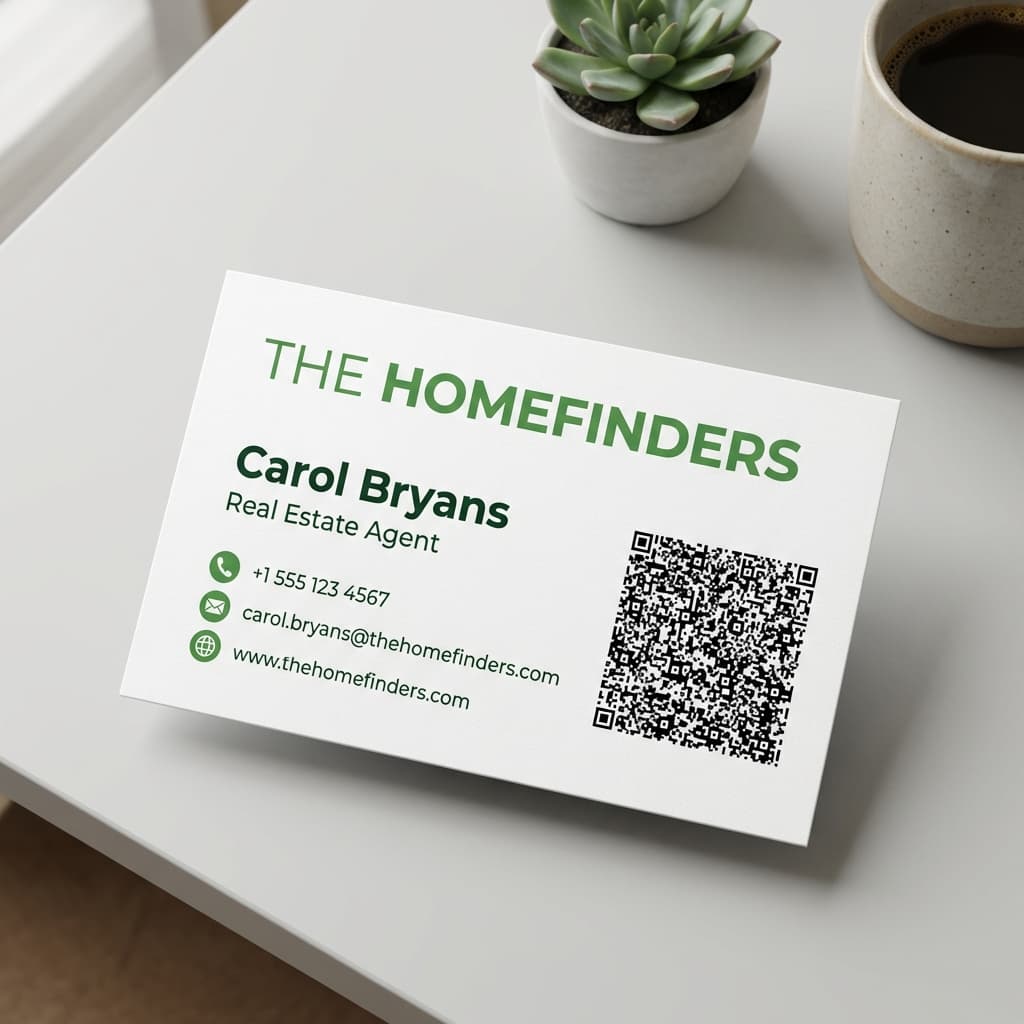
Real Estate Agents
Carol Bryans uses a QR code on her business cards that links to:
- Full contact vCard for instant save
- Link to property listings
- Video introduction and testimonials
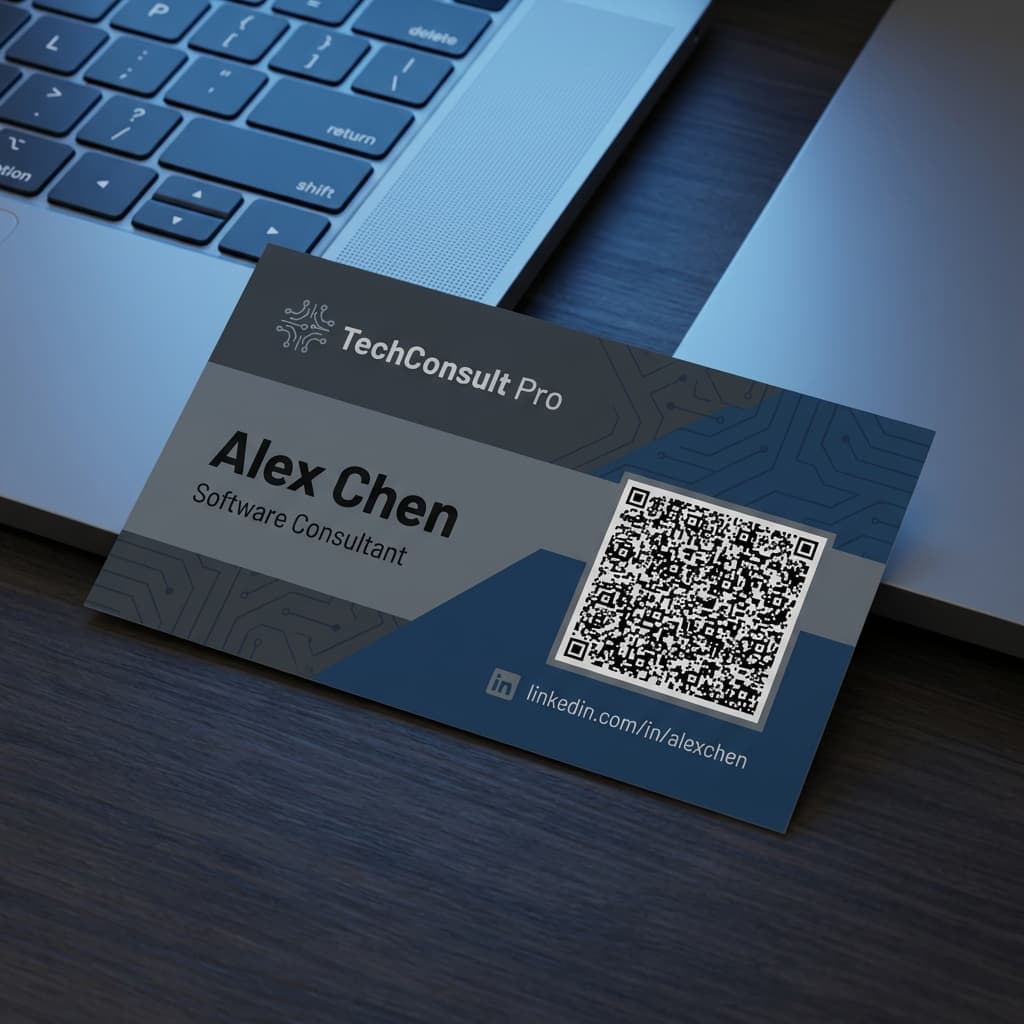
Tech Professionals
Software developers and consultants include:
- LinkedIn profile link
- Portfolio or GitHub repository
- Schedule meeting link (Calendly)
Ready to Upgrade Your Business Cards?
Create a professional vCard QR code in minutes - free to start
Generate vCard QR Code