Customization Guide
Make your QR codes stand out with custom colors, logos, and styles. Learn how to create branded QR codes that match your identity.
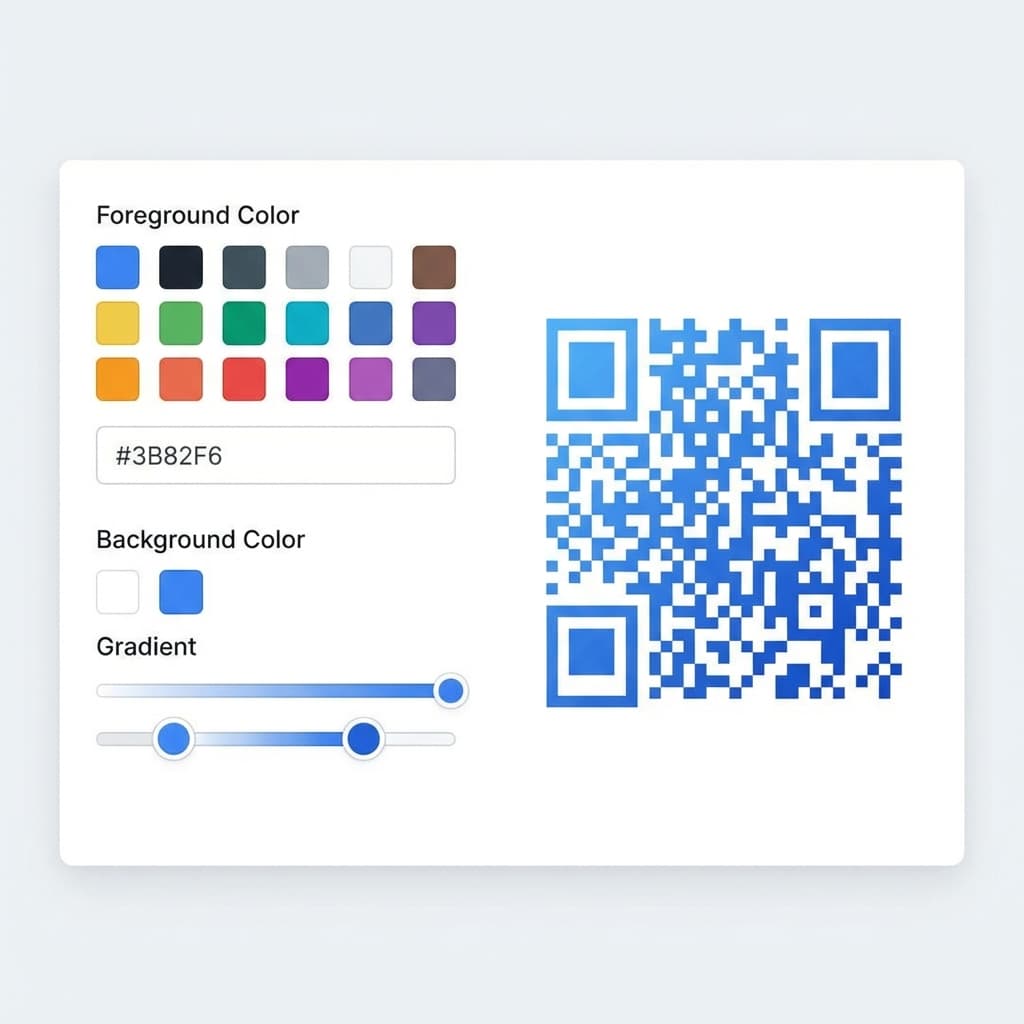
Custom Colors
Change the foreground and background colors to match your brand. Choose from our color picker or enter exact hex codes.
Tips:
- • Maintain high contrast between foreground and background
- • Dark colors on light backgrounds work best
- • Avoid using similar shades that blend together
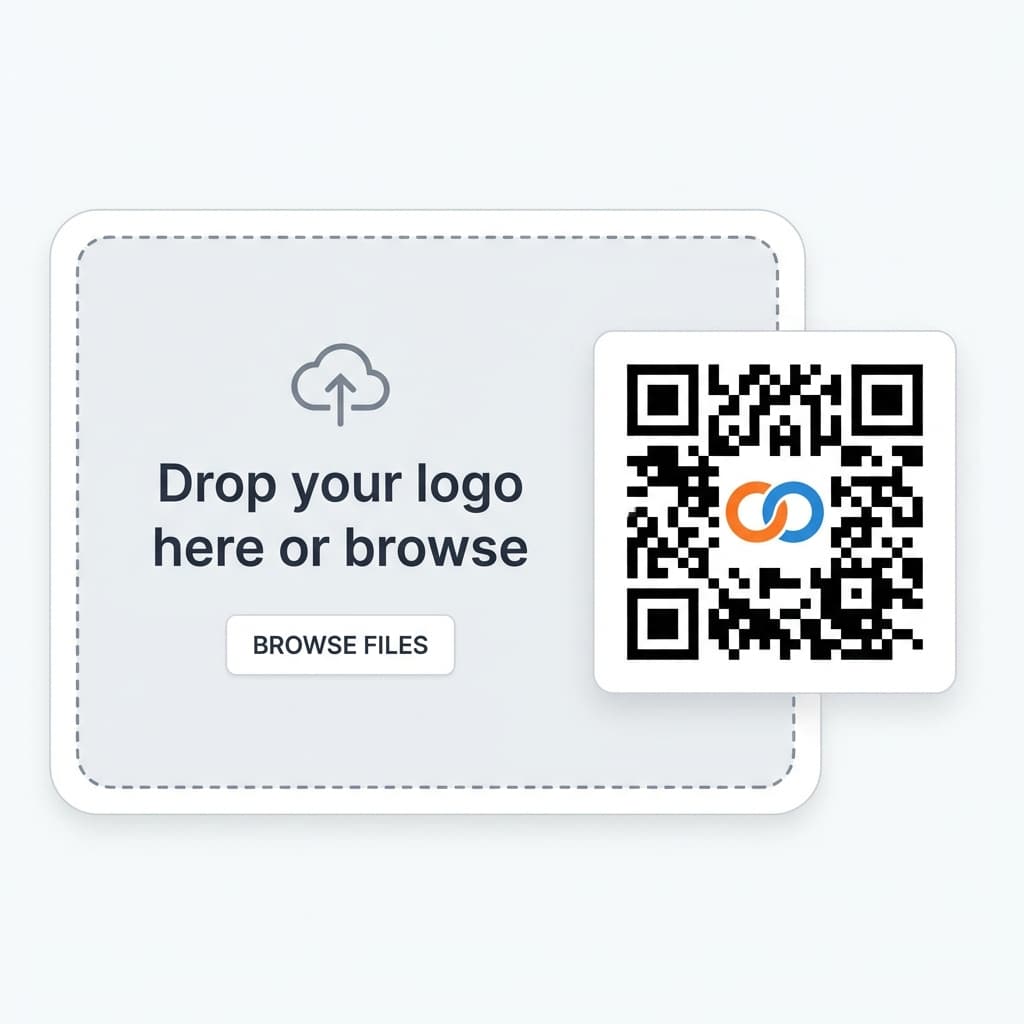
Logo Integration
Add your company logo to the center of your QR code. Our system automatically ensures the code remains scannable.
Tips:
- • Use a square logo for best results
- • PNG with transparent background works best
- • Keep logo size under 30% of QR code area
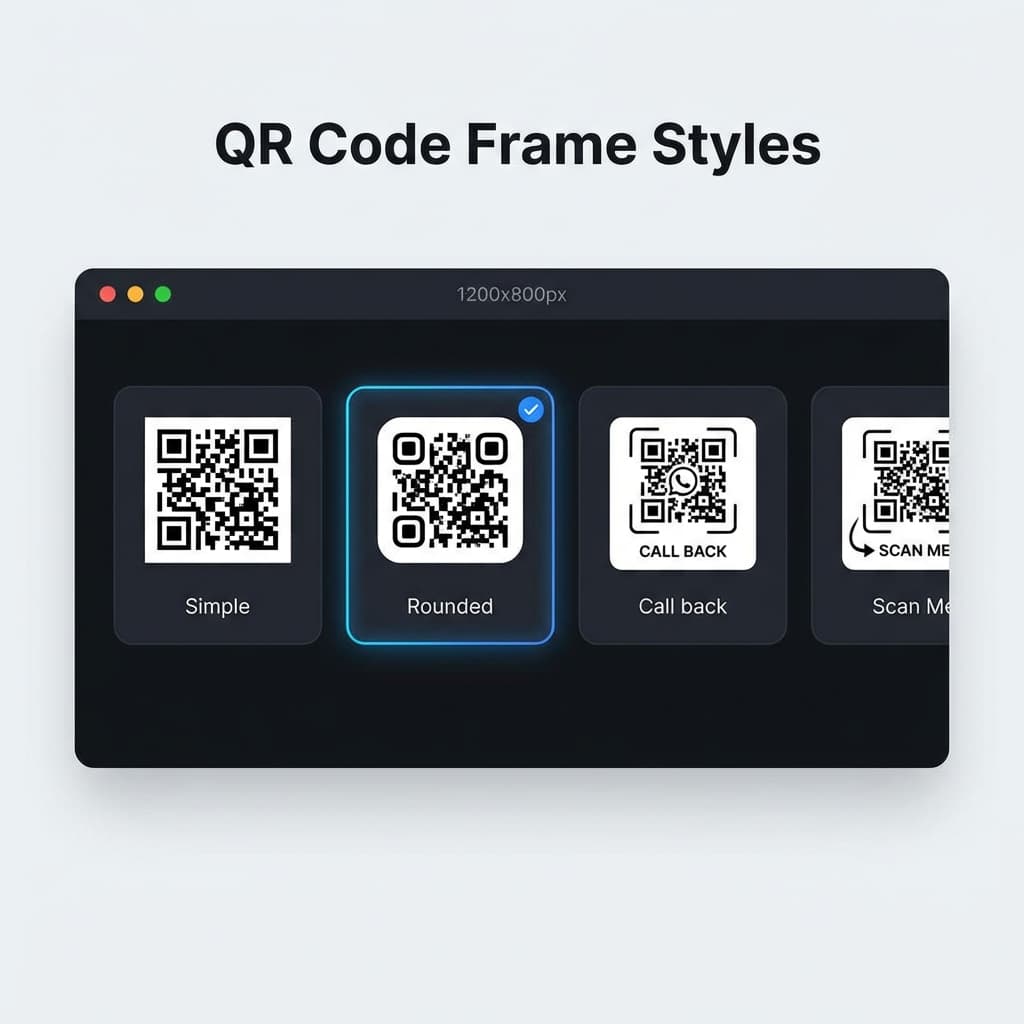
Frames & Borders
Add decorative frames around your QR code with call-to-action text like "Scan Me" or custom messages.
Tips:
- • Frames draw attention to your QR code
- • Add clear call-to-action text
- • Match frame color to your brand
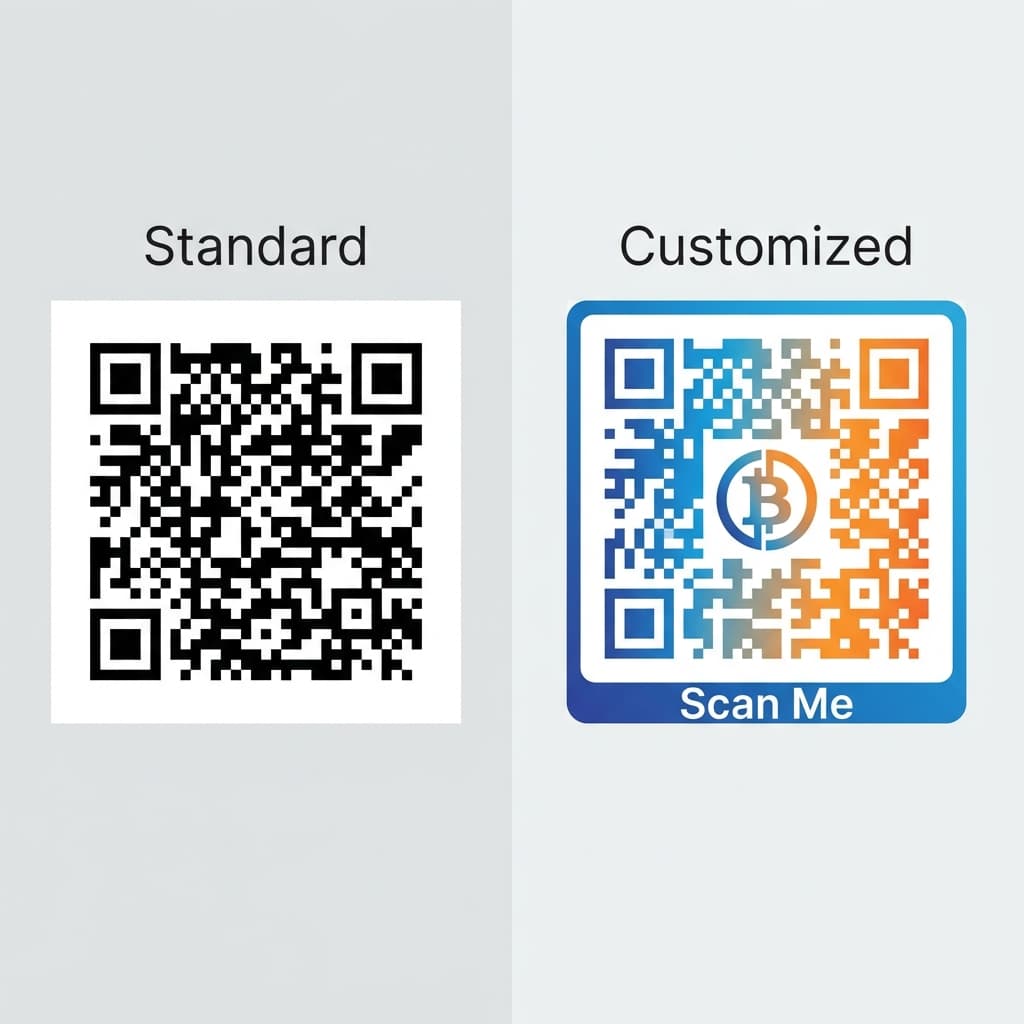
Pattern Styles
Choose from different dot patterns and corner styles to create unique, eye-catching QR codes.
Tips:
- • Rounded dots create a softer look
- • Square patterns are more traditional
- • Test unusual patterns to ensure scannability
Customization Best Practices
Keep It Scannable
Always test your customized QR code on multiple devices before using it in production.
Stay On Brand
Use your brand colors and logo consistently across all QR codes for recognition.
Size Matters
Ensure your QR code is large enough to scan - at least 2cm for print, larger for distance.
Ready to Create Custom QR Codes?
Premium plans include full customization features.
Need Help With Customization?
Our team can help you create the perfect branded QR codes.
Contact Support