Getting Started
Learn how to create your first QR code in minutes. This guide walks you through everything from account creation to downloading your finished code.
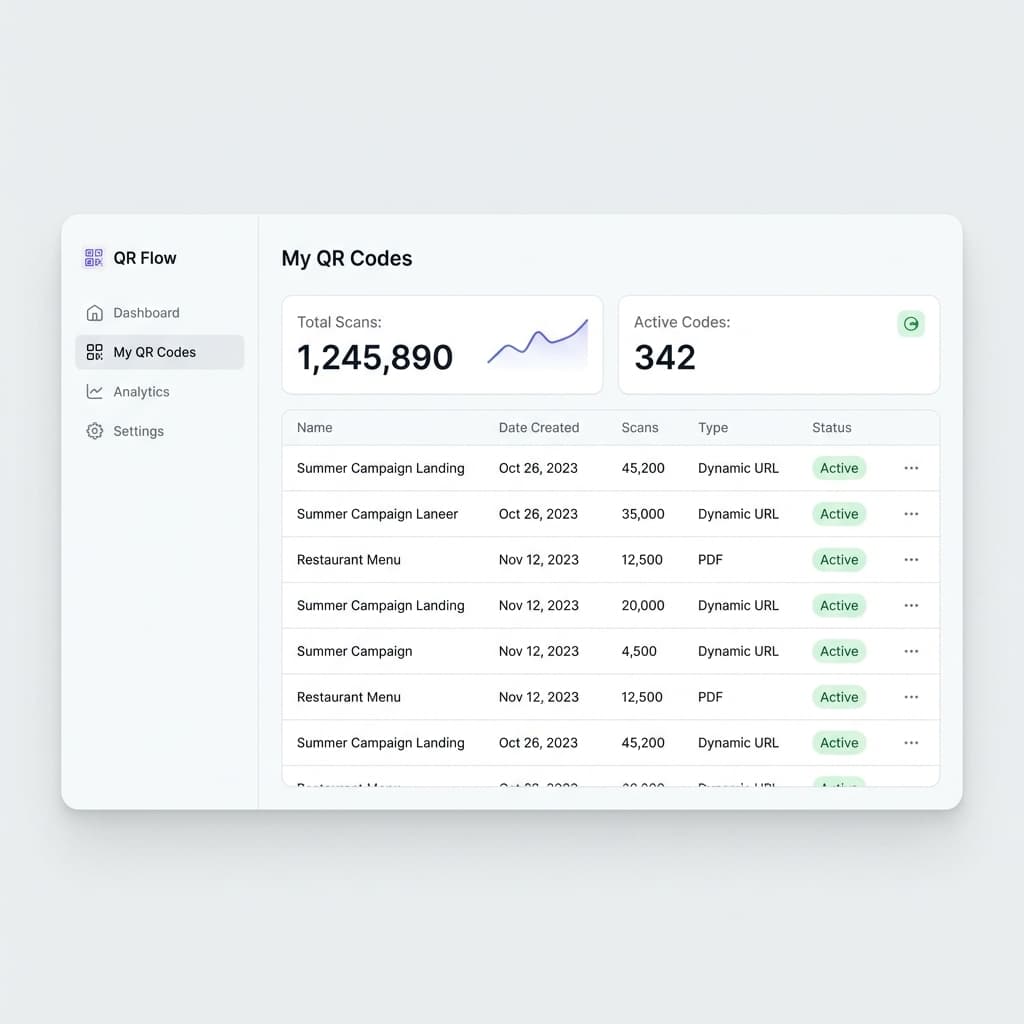
Create Your Account
Sign up for free in seconds. No credit card required. You get 5 free static QR codes immediately.
- Use your email or sign in with Google
- Free accounts include basic QR code creation
- Upgrade anytime for dynamic QR codes
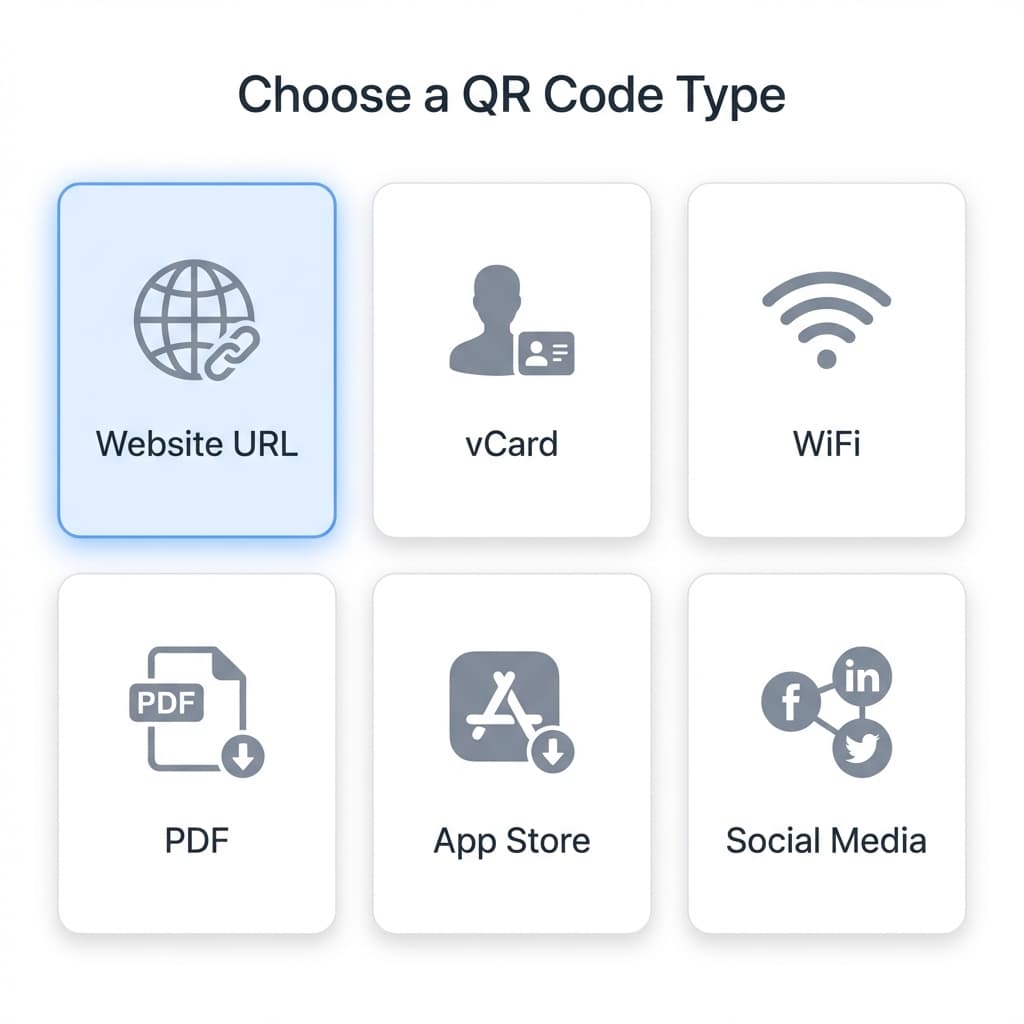
Choose Your QR Code Type
Select from URL, vCard, WiFi, Email, SMS, and many more QR code types depending on your needs.
- URL is most common for websites and landing pages
- vCard is perfect for business cards
- WiFi QR codes let guests connect instantly
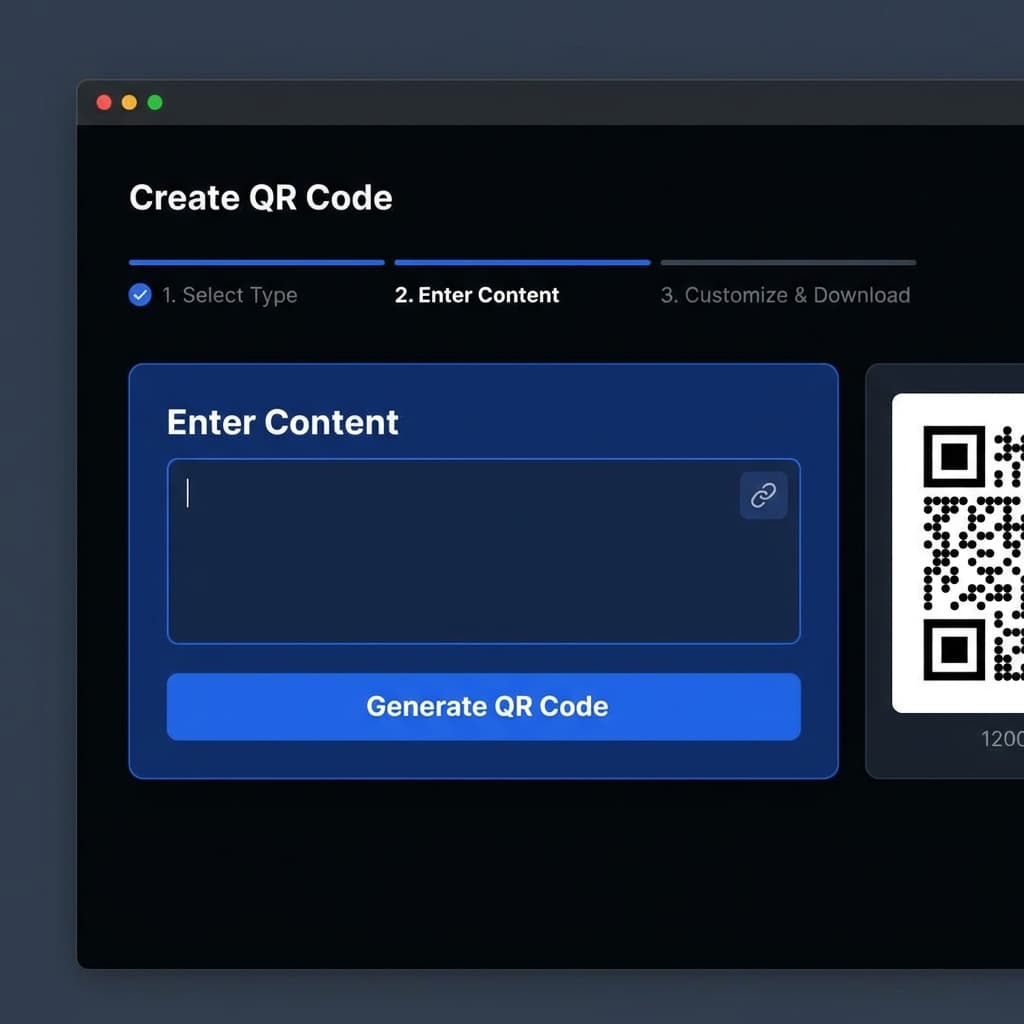
Enter Your Content
Fill in the details for your QR code. For a URL, simply paste your website link. For vCard, enter contact details.
- Double-check URLs before generating
- Use short, memorable URLs when possible
- Test your QR code before printing
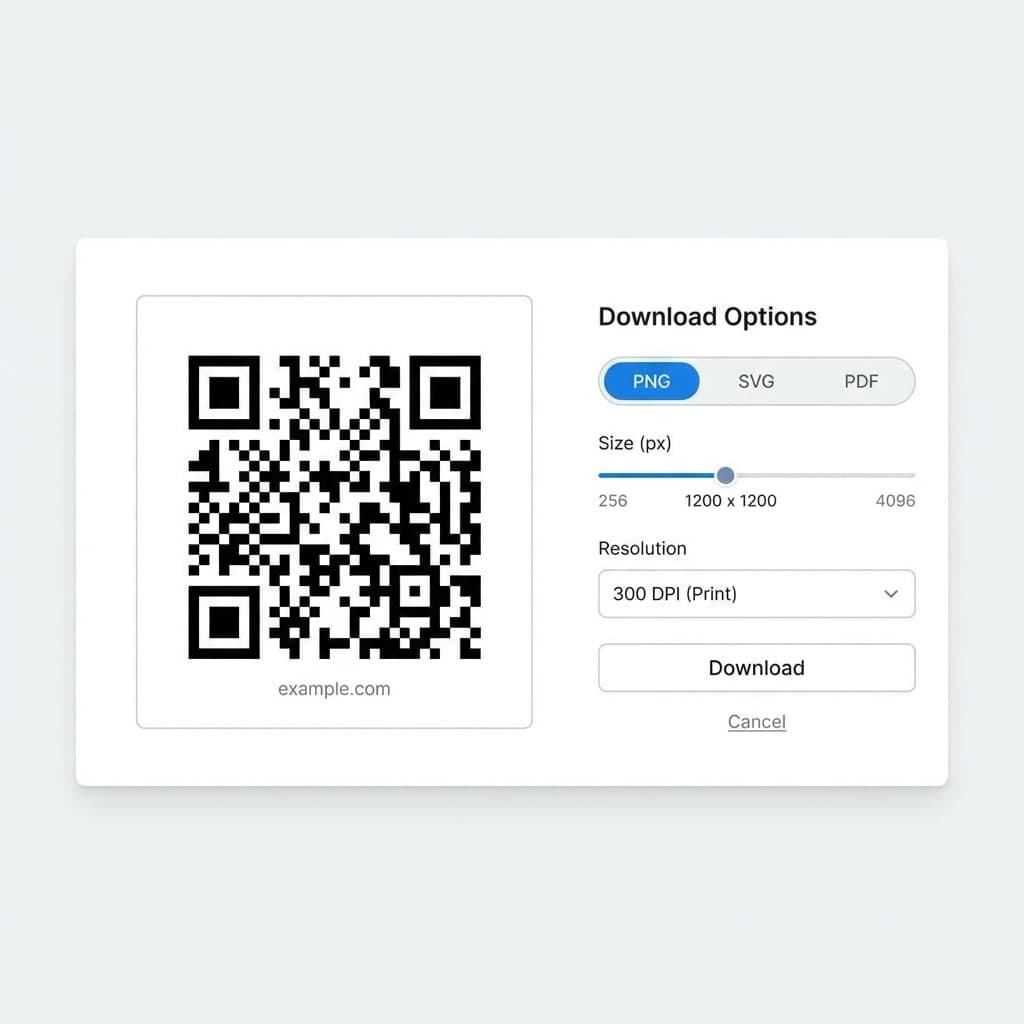
Download & Use
Download your QR code in PNG, SVG, or PDF format. Use it in print materials, websites, or anywhere you need.
- PNG is best for digital use
- SVG scales perfectly for large prints
- PDF is ideal for professional printing
Pro Tips for Better QR Codes
✅ Do: Test Before Printing
Always scan your QR code with multiple devices before printing to ensure it works correctly.
✅ Do: Use High Contrast
Dark QR codes on light backgrounds scan best. Avoid low-contrast color combinations.
❌ Don't: Make It Too Small
QR codes should be at least 2cm x 2cm (0.8in x 0.8in) for reliable scanning.
❌ Don't: Stretch or Distort
Always maintain a 1:1 aspect ratio. Stretched QR codes may not scan properly.
Ready to Create Your First QR Code?
It only takes a minute to get started.