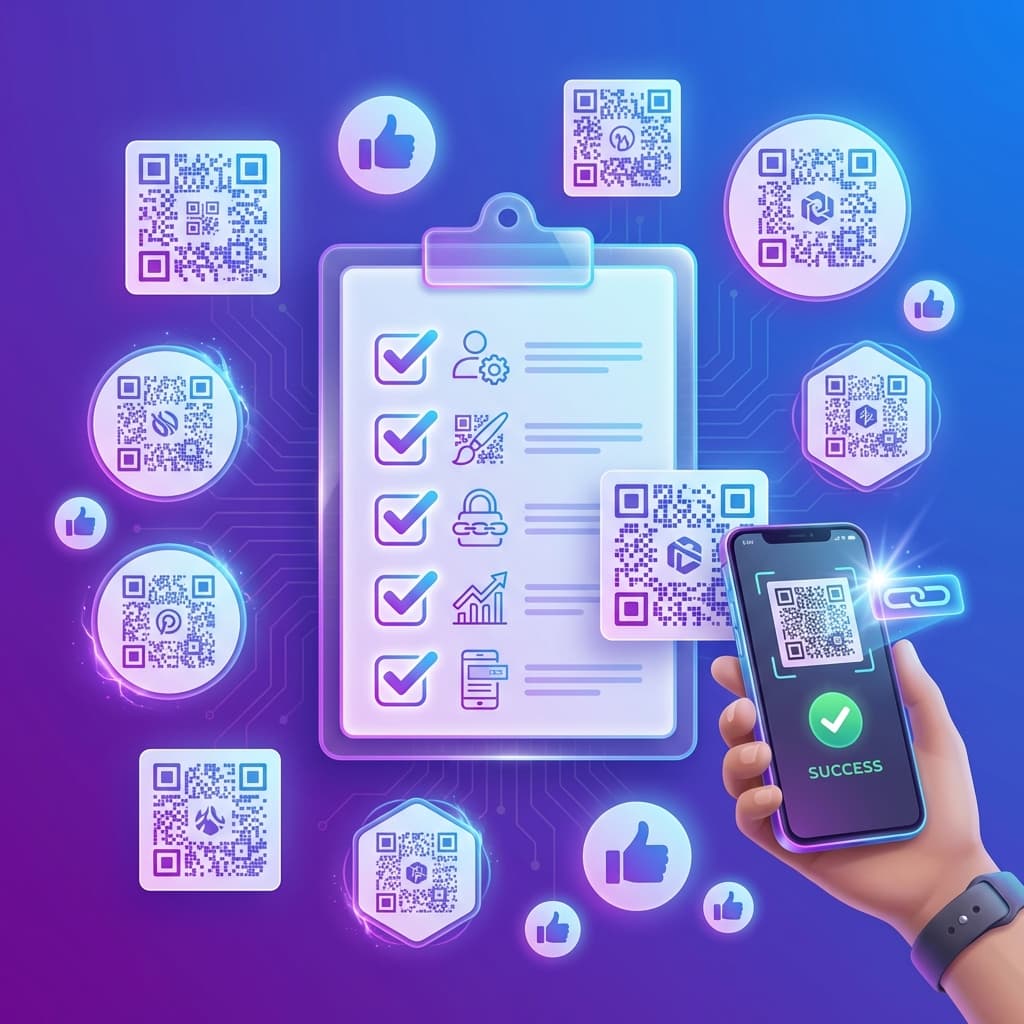
QR codes don't have to be boring black and white squares. With careful design, you can create visually stunning codes that reinforce your brand while maintaining flawless functionality.
The Balance Principle
Every QR code design involves balancing aesthetics with scannability. Push too hard for beauty and you compromise function. Stay too conservative and you miss branding opportunities.
Color Theory for QR Codes
Contrast Requirements
Maintain at least 4:1 contrast between foreground and background. Use a contrast checker if uncertain. Dark modules on light backgrounds always work better than the inverse.
Brand Colors
You can use brand colors while maintaining proper contrast. Avoid using colors that are too light for modules—bright yellow or lime green usually don't work.
Backgrounds
Stick to light backgrounds. White is safest, but light creams, grays, and pastels can work. Avoid dark backgrounds with light modules—many scanners struggle.
Adding Your Logo
Size Guidelines
Keep logos within 30% of total QR code area. Larger than this risks breaking scannability.
Error Correction Levels
Use Level H (30%) error correction when adding logos. This allows greater tolerance for the area obscured by the logo.
Placement
Center placement works best. Avoid covering the position patterns (large squares in corners)—these are critical for scanning.
Module Styles
Modern QR code generators offer different module styles:
- Square: Classic, most compatible
- Rounded: Softer, more modern look
- Dots: Dot pattern style
- Custom: Unique shapes for specific brands
Size Requirements
Minimum 2cm × 2cm for close-range scanning. For greater distances, calculate: Size = Distance ÷ 10. Always include at least 4 modules of quiet zone (white space) around the code.
Testing Your Design
- Scan with iPhone camera app
- Scan with Google Lens on Android
- Test in different lighting conditions
- Test on final printed material
- Have other people test—confirmation bias is real
Create Branded QR Codes
Our generator includes design tools for custom colors, logo placement, and module styles—all with guaranteed scannability.
Start Designing