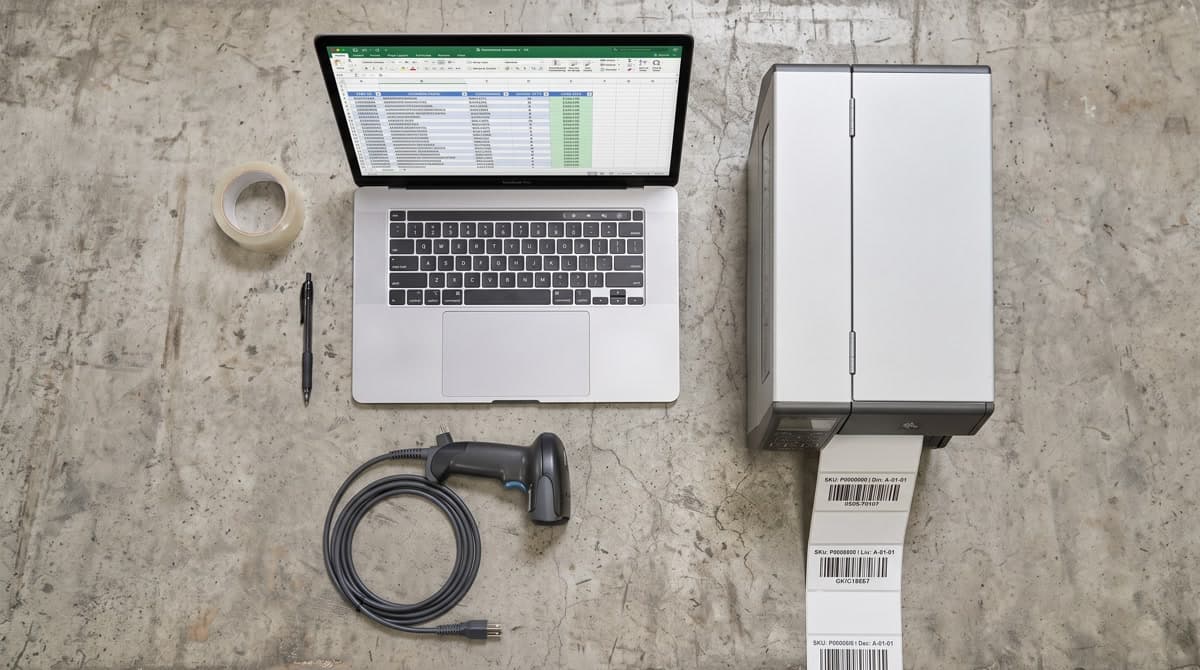
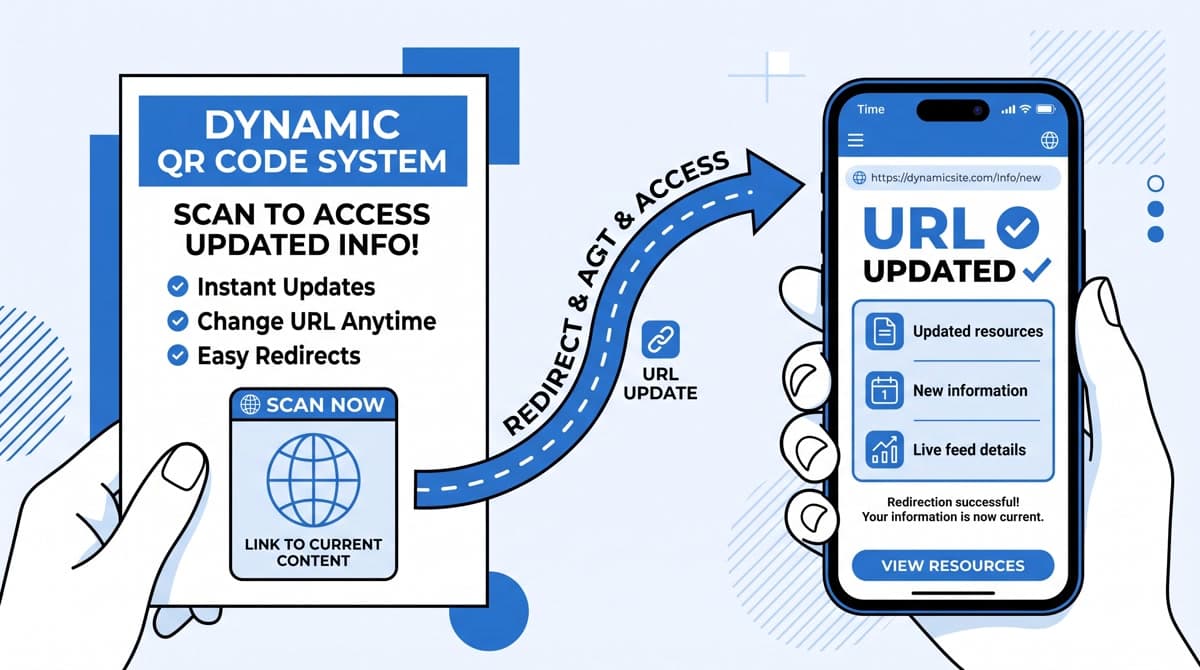
Here's the setup: you run a product-based business. Your operations team generates Code 128 barcodes for warehouse labels. Your marketing team creates QR codes for packaging, flyers, and trade show materials. Both tasks involve generating an image from a value. Both tasks require print-quality output. Both tasks benefit from batch creation and organized archives.
And yet, most businesses run them on entirely separate tools — paying twice, maintaining two accounts, and creating a small coordination failure every time a product changes.
Why do most businesses use two separate tools?
The historical answer is that barcode generators and QR code platforms evolved from different markets. Barcode tools grew from retail and industrial software. QR platforms emerged from mobile marketing. The vendors were different. The pricing models were different. The audiences were different.
That history stopped being relevant around 2019, when QR codes became standard consumer infrastructure. Now a product package might carry a UPC-A for POS scanning and a QR code linking to a product detail page — both generated by the same team, used in the same workflow, printed at the same time. The operations are identical. The tools are separate only because someone set them up that way before thinking it through.
The real cost of separation
Consider what “two separate tools” actually means in practice:
Financial cost
A mid-tier barcode subscription runs $15–$25 per month. A QR code platform with analytics runs $15–$30 per month. You're paying $30–$55 per month for two tools whose core operation is “take a value, produce an image.” An all-in-one platform covering both at the $26.99 Advanced tier eliminates the redundancy. That's not a marginal saving — it's cutting your tool cost in half.
Operational cost
When your inventory barcodes and your marketing QR codes live in separate tools, you have two separate archives. When you update a product — new SKU, new URL, new packaging — you make the change in two places. When your barcode history doesn't match your QR history, you can't reconstruct which version of the product shipped in which batch.
Audits, recalls, and campaign retrospectives all require reconstructing that history. Two tools means two exports, manual cross-referencing, and a non-trivial chance of reconciliation errors.
Team coordination cost
Operations and marketing working in different tools creates a handoff problem. When marketing updates the landing page URL and needs the QR code regenerated, they log into Platform A. When operations needs a new batch of inventory barcodes, they log into Platform B. Neither team has visibility into the other's work. The product manager in the middle — coordinating both — ends up manually bridging two disconnected systems.
What an all-in-one platform actually looks like
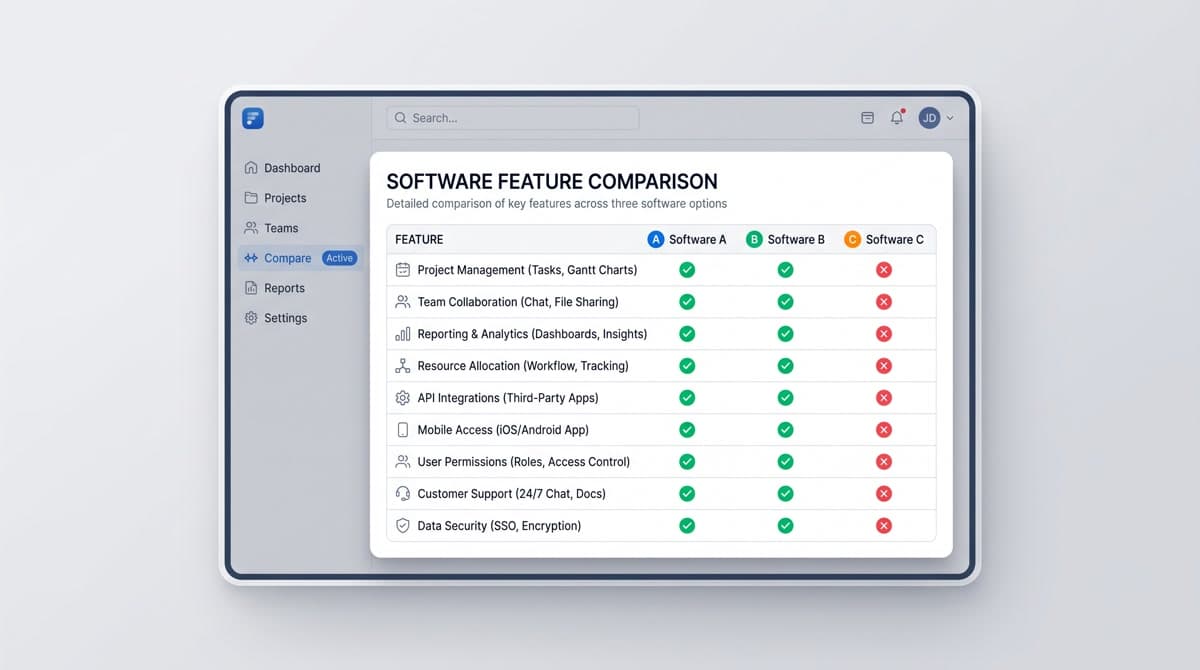
The term “all-in-one” is marketing language that can mean anything from “we added a QR section to our barcode tool” to a genuinely unified platform. The difference shows in the details:
| Feature | Bolted-on QR add-on | Genuine unified platform |
|---|---|---|
| Dashboard | Separate sections, different UX patterns | Single dashboard, consistent interface |
| Bulk creation | Available for barcodes only | Same CSV workflow for both |
| History & archive | Separated by type | Unified history across all code types |
| Team access | Separate permissions by module | One account, team members across both |
| API | Separate endpoints, separate auth | Single API key, consistent schema |
Who benefits most from consolidation
Retail and e-commerce businesses generating product barcodes for inventory alongside QR codes for packaging have the clearest case. Both needs exist, both run in the same product cycle, and keeping them unified prevents the version drift problem.
Marketing agencies managing codes for multiple clients benefit from a single platform where each client's assets live under one account, regardless of whether they need barcodes, QR codes, or both.
Logistics and warehousing operations that use Code 128 barcodes internally and QR codes on customer-facing documentation eliminate one external vendor relationship entirely.
Small business owners who wear multiple hats — running both inventory and marketing — gain the most from a consolidated interface. One login, one dashboard, one invoice.
Making the switch
Migrating from two tools to one doesn't require a technical project. The practical steps:
- Export your existing barcode history and QR code archive from both tools
- Set up your new platform and verify it covers every format your operation uses
- Run one test batch for each code type — barcodes and QR codes — to confirm output quality matches your printer and scanner requirements
- Cancel your old subscriptions at the next billing cycle
MyQR Barcode Generator supports all major barcode formats (Code 128, EAN-13, UPC-A, Code 39, Data Matrix, ITF-14, and more) and QR code types on the same platform. The Advanced plan at $26.99/month includes bulk creation for both, which in most cases replaces two separate subscriptions at a lower combined cost.
Try both tools in one dashboard
Free to start. No credit card. Generate your first barcodes and QR codes in the same session.
Start Generating Free