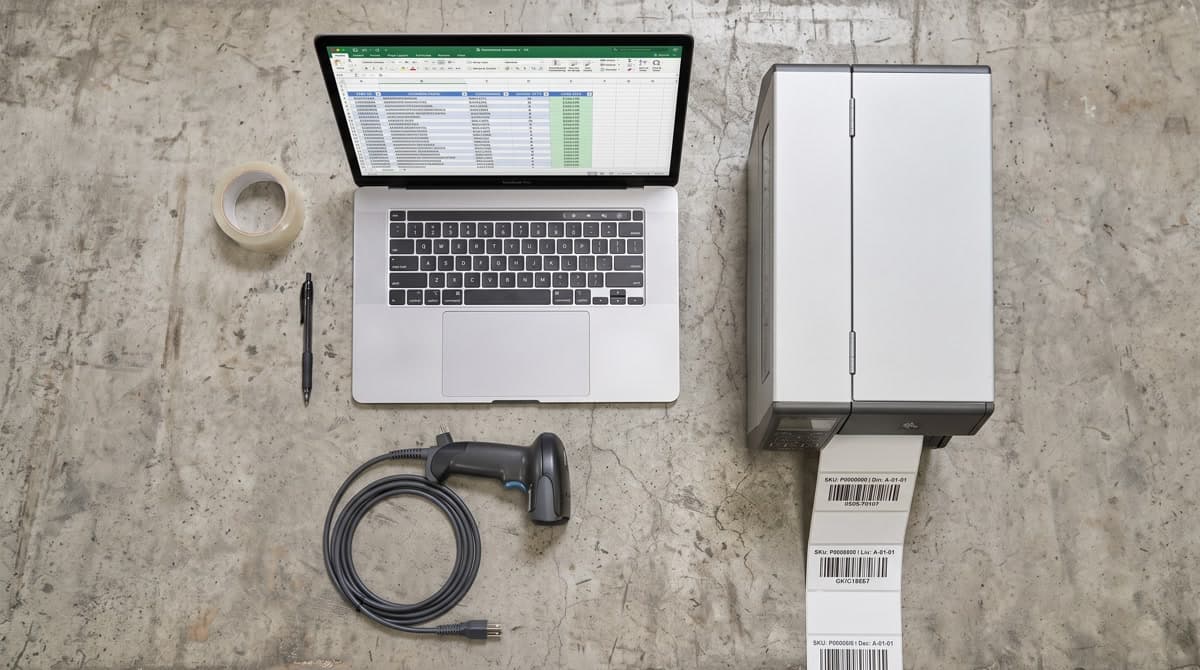
A Google search for “barcode generator” returns free tools, five-dollar apps, and enterprise platforms billing $300 a month. They all generate barcodes. None of them are the same product.
The question isn't which tool is the best barcode and QR code generator software in the abstract. The question is which features your operation actually needs right now — and which ones you're paying for because they were on a feature comparison chart.
Start with a symptom check
Before evaluating any software, describe your current workflow. The symptoms below map to specific feature requirements:
- ◻“We generate barcodes one at a time by hand” → you need batch/CSV upload
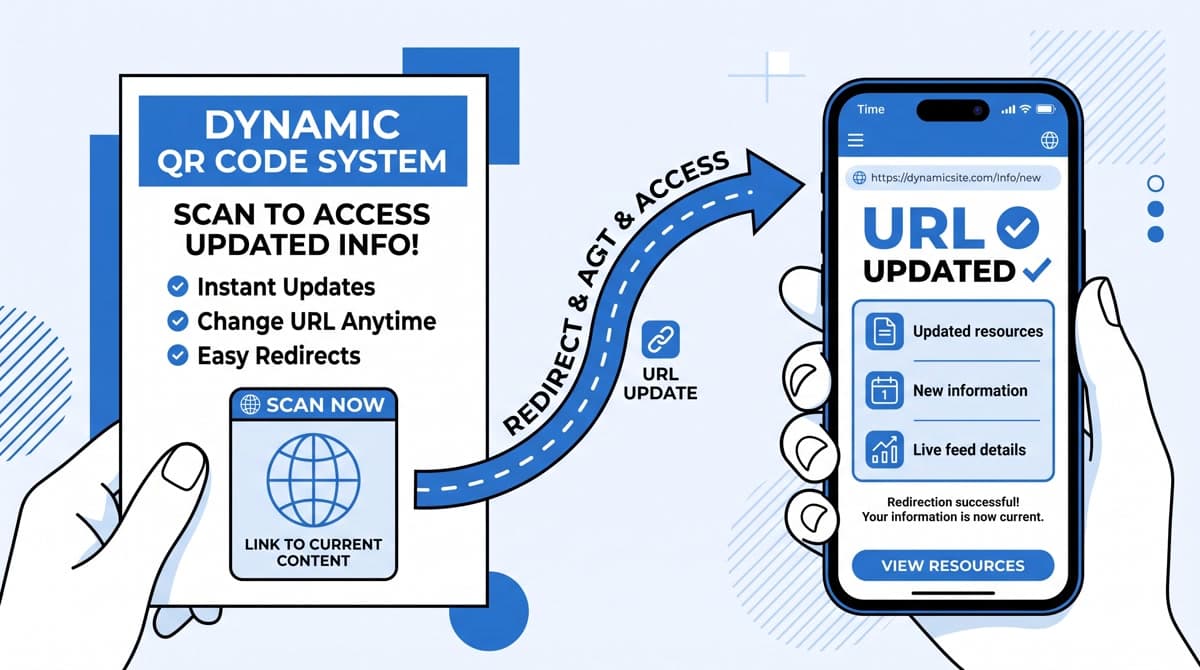
- ◻“We printed QR codes on a flyer and the URL changed” → you need dynamic QR codes
- ◻“We pay for one tool for barcodes and another for QR codes” → you need a unified platform
- ◻“We have no idea which QR codes get scanned” → you need scan analytics
- ◻“Our developer needs to generate codes automatically” → you need an API
- ◻“Multiple people on the team need access” → you need multi-user seats
Each symptom identifies a capability tier. You can solve one symptom with a free tool. Two or more symptoms usually require a paid subscription. Four or more is almost always a unified platform.
What free tools actually provide
Free barcode and QR code generators are useful. They exist to convert one value into one image, quickly, with no account required. The use case: a one-off label, a quick QR code for a business card, a test barcode to verify a scanner configuration.
What they don't provide, and can't:
- Bulk generation from a CSV or spreadsheet
- Dynamic QR codes (editable after creation)
- Scan tracking or analytics
- Custom branding (logo, colors, frame text)
- High-resolution download for print
- API access for automated generation
- History or archive of previously generated codes
If your operation needs any of the above, a free tool creates invisible overhead: manual processes, scattered files, no accountability for what was generated when, and QR codes you can't update when URLs change.
The hidden cost of separate tools
Most businesses that need both QR codes and barcodes today use separate tools for each — a barcode generator subscription for inventory work and a QR platform for marketing. This creates three specific problems:
- Double billing. Two subscriptions at $15–$25 each adds $30–$50 per month for capabilities that overlap significantly. Both tools generate images. Both require CSV upload. Both need output in PNG and SVG.
- Version drift. Your QR code archive lives in one platform and your barcode history lives in another. When you need to know which codes shipped with which product batch, you're cross-referencing two export files.
- Team friction. Different team members use different tools. When a product page URL changes, the update lives in a different tool from the product's barcode — no natural connection between them.
Features worth evaluating in any barcode and QR code software
Format coverage
A professional barcode tool should cover: Code 128, Code 39, EAN-13, EAN-8, UPC-A, UPC-E, ITF-14, Data Matrix, and PDF417 at minimum. For QR codes: standard QR, Micro QR, and vCard/WiFi/URL variants. Tools that cover only 5–6 formats will eventually create a gap when a distribution partner or retailer requests something outside that set.
Export quality
Print-ready output requires SVG (vector, infinitely scalable) or high-resolution PNG (minimum 300 DPI at print size). A tool that only exports at 72 DPI or 150 DPI is not a print-ready barcode generator. Verify this before subscribing — many tools advertise professional output but the export button produces 150-pixel images.
Dynamic QR code management
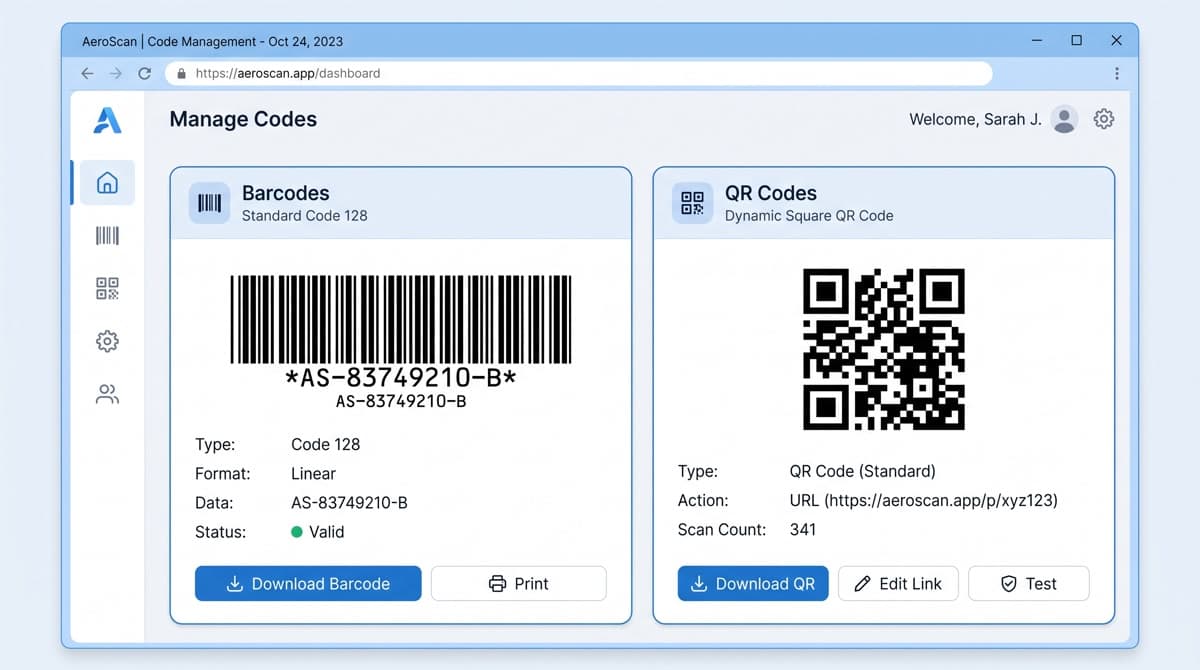
Dynamic QR codes let you change the destination URL after the code is printed. For any business that puts QR codes on printed materials — product packaging, restaurant menus, event signage — this is the feature that separates a throwaway tool from an operational one. Evaluate: how many dynamic codes per tier, whether scan analytics are included, and whether you can organize codes by campaign or category.
API access
If your product catalog runs on Shopify, your inventory system runs on NetSuite, or your warehouse uses a WMS that assigns SKUs automatically — you need barcode generation to happen automatically too. An API turns the generator into infrastructure. Evaluate: REST vs SDK, authentication model, rate limits per plan tier, and whether the documentation covers your language and stack.
How to match tiers to real needs
| Operation size | Monthly volume | Key needs | Recommended tier |
|---|---|---|---|
| Solo / micro-business | <100 codes | Basic formats, PNG download | Free or Starter |
| Growing retail or e-commerce | 100–1,000 codes | Bulk CSV, dynamic QR, analytics | Advanced ($26.99/mo) |
| Agency or multi-brand | 1,000+ codes | API, team seats, white label | Professional ($59.99/mo) |
The Advanced plan on MyQR Barcode Generator combines both tools at $26.99/month — 1,000 barcodes per month across all formats, 100 dynamic QR codes, bulk creation, and analytics. For most growing businesses, that replaces two separate subscriptions that together cost more.
Compare plans side by side
See exactly which features each tier includes before committing. No sales call required.
View Pricing