A hotel chain puts QR codes on every room key card. A retailer adds them to every product tag for the holiday launch. A conference organizes 800 badge inserts, each linking to a different attendee profile. A logistics company needs asset tracking codes for 3,000 pallets before a warehouse expansion.
None of these projects can be handled one code at a time. They require a workflow — data preparation, bulk generation, output validation, campaign organization — and a platform that doesn't break at scale.
Map your use case before generating anything
Business QR code projects fail most often at the planning stage, not the technical stage. The questions to answer before you open a bulk generator:
- 1.What does each code point to? A URL per product, a URL per location, a URL per person, or a shared URL for an entire campaign. The answer determines your data structure.
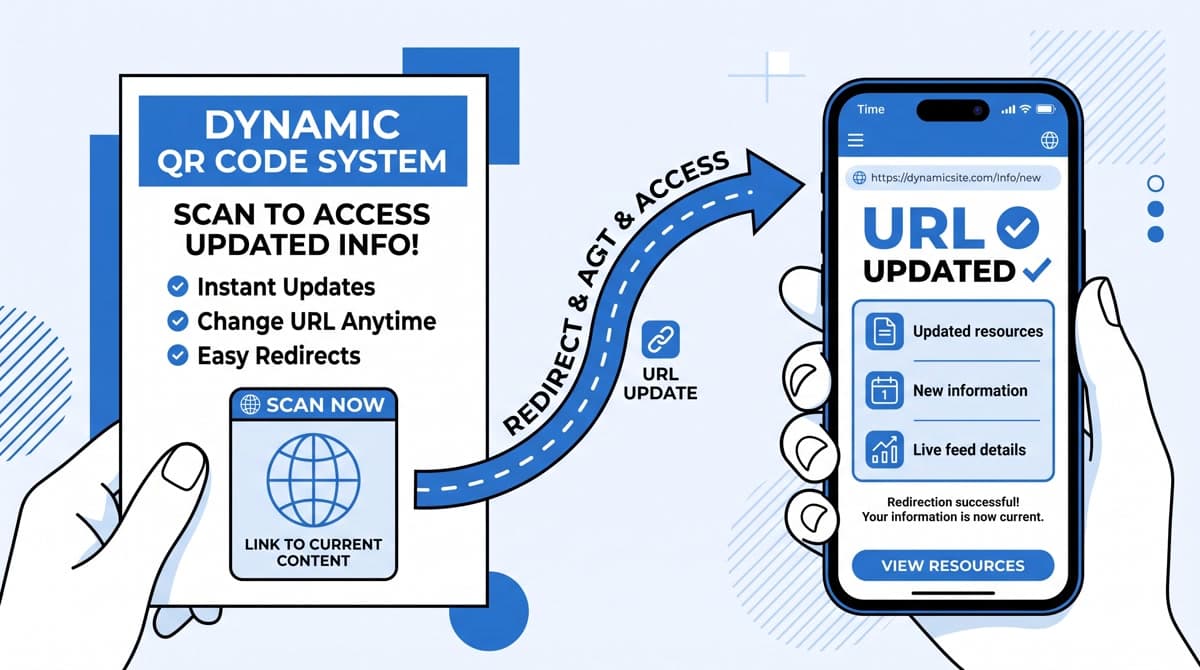
- 2.Will any destinations change after print? If yes, you need dynamic QR codes. If the destination is permanent — a product spec sheet that won't change — static codes are sufficient.
- 3.Do you need scan-level analytics? If you need to know which locations, products, or materials generate the most engagement, you need dynamic codes with analytics.
- 4.What size will the codes print at? A badge insert might print at 1.5cm × 1.5cm. A poster might print at 10cm × 10cm. Output resolution requirements differ significantly.
- 5.How will the files be used? Dropped into a print template, sent to a print shop, embedded in a web page, or placed programmatically with an API. Each path has different format requirements.
Prepare your data
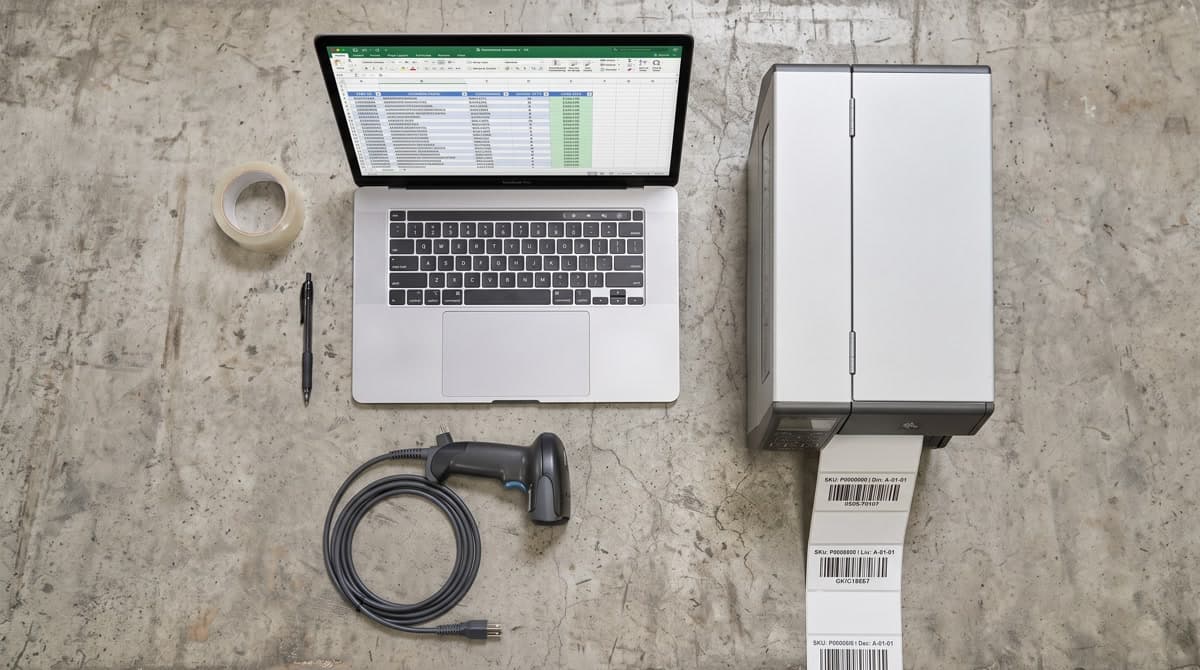
The input to a bulk QR code generator is a list — typically a CSV file with one row per code. How you structure that list determines how useful the output is.
Core columns
https://store.example.com/products/widget-red,SKU-WIDGET-RED,holiday-2026
https://store.example.com/products/widget-blue,SKU-WIDGET-BLUE,holiday-2026
https://store.example.com/products/widget-green,SKU-WIDGET-GREEN,holiday-2026
- url — the encoded destination. Full URL including protocol.
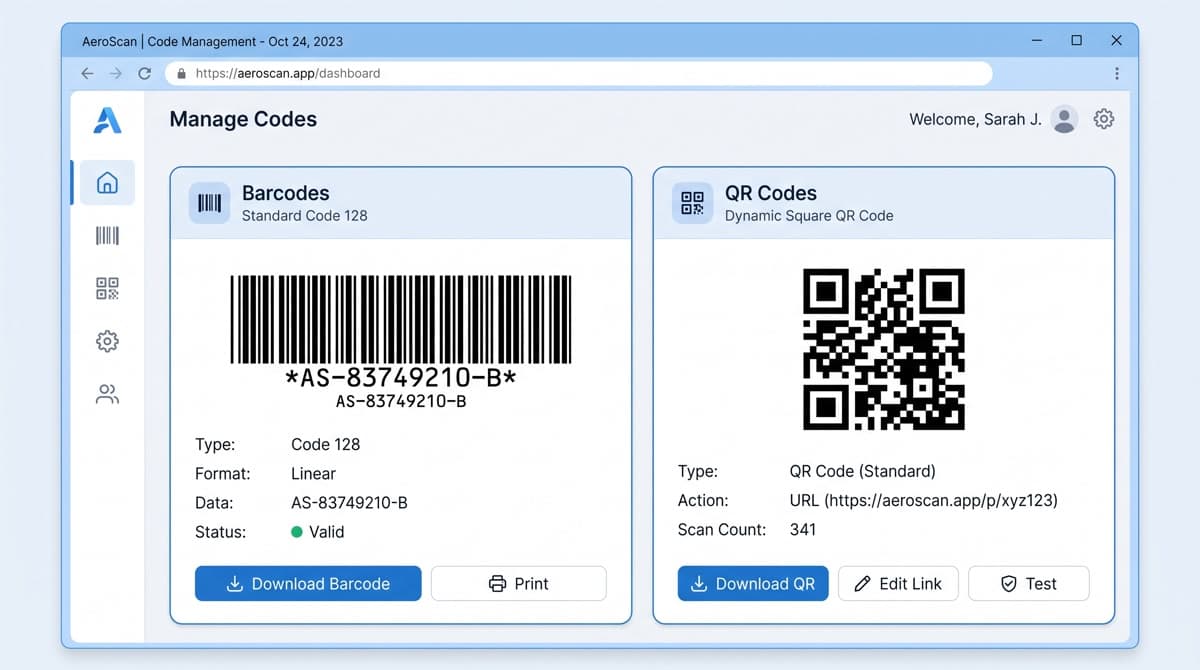
- label — names the output file and identifies the code in your dashboard. Use your internal reference: SKU, event name, location ID.
- campaign — groups codes together in the platform. Lets you pull analytics for the entire campaign, not just individual codes.
UTM parameters
For marketing campaigns, append UTM parameters to each URL before importing. This lets Google Analytics or your analytics platform attribute traffic by specific code, location, or material — without relying solely on the QR platform's native analytics. A well-tagged URL: https://store.example.com/products/widget?utm_source=print&utm_medium=qr&utm_campaign=holiday-2026&utm_content=sku-widget-red
Configure and run the batch
Once your CSV is clean, the generator configuration is the short part. The key settings to verify:
- Format: PNG for most workflows. SVG if codes need to be dropped into vector design files and scaled freely. PDF if codes go directly into a document layout.
- Error correction level: QR codes encode redundant data so they can be partially damaged and still scan. Level M (15% damage tolerance) is the standard for most applications. Level H (30%) is appropriate when logos are embedded in the center of the code.
- Minimum size: a QR code must print at no smaller than 2cm × 2cm to scan reliably with a standard mobile camera. Verify the intended print size before the final run.
- Quiet zone: the white border around a QR code that allows scanners to isolate it from surrounding content. Most generators add this automatically, but verify it's present — a code printed edge-to-edge without a quiet zone will fail to scan.
Validate before deploying at scale
A batch of 500 QR codes is expensive to reprint. A validation pass costs an hour:
- Download the batch ZIP and verify file count matches input row count exactly
- Scan 10–15 random codes with two different scanning apps — confirm the decoded URL matches the source data
- Test print a representative selection at final print size — verify scanability at the intended distance
- For dynamic codes: update one code's destination in the dashboard, then rescan — confirm the redirect reflects the new URL immediately
- Spot-check that labels and filenames are correct and match your source CSV
Organize your campaigns in the platform
After deployment, campaign organization determines how useful your analytics are. What to set up before a campaign goes live:
- →Campaign folders: group codes by campaign name, launch date, or product line. The “holiday-2026” folder should contain all codes from that campaign so you can pull campaign-level analytics.
- →Code naming convention: a consistent convention — [client]-[campaign]-[location] or [SKU]-[version] — lets you search and filter without opening every code.
- →Analytics baseline: note the campaign launch date in the platform. Analytics without a start date reference make it harder to separate pre-launch test scans from real campaign traffic.
Reading campaign performance
Scan analytics for a business QR campaign typically reveal a few consistent patterns:
- A small number of codes generate the majority of scans. Codes on high-traffic materials — a homepage banner, the front page of a menu, a product that sells well — outperform codes on low-traffic placements.
- Peak scan times cluster around business hours and location-specific patterns. A restaurant's codes spike at lunch and dinner. A retail product's codes spike on weekends.
- Scan rates drop significantly after the first 2–3 weeks of a campaign unless the material stays in active circulation.
Use these patterns to prioritize URL updates. The codes that still get high scan volume after weeks in the field are the ones worth keeping current with your best landing page. The codes with near-zero scans can expire or redirect to a general page.
On MyQR Barcode Generator, the Advanced plan covers 100 dynamic QR codes with full analytics and bulk creation at $26.99/month. The Professional plan scales to 500 dynamic codes with 10 team members and API access at $59.99/month — built for agencies and logistics operations running multiple concurrent campaigns.
Ready to run your first bulk campaign?
Free for your first codes. Upgrade to bulk creation and analytics when you're ready to scale.
Start Your Campaign